 Deutsch
 Slovensky
 Italiano
 Français
 Español
 Português
 Polski
Navigation For Motorcycle
Introducing Motorbike Mode — navigation built for adventure riders.
Take the road less ordinary. From twisty mountain passes to backcountry escapes, Sygic’s Motorbike Mode gives you the control, clarity, and freedom you need on two wheels.
Buy Once, Use Forever
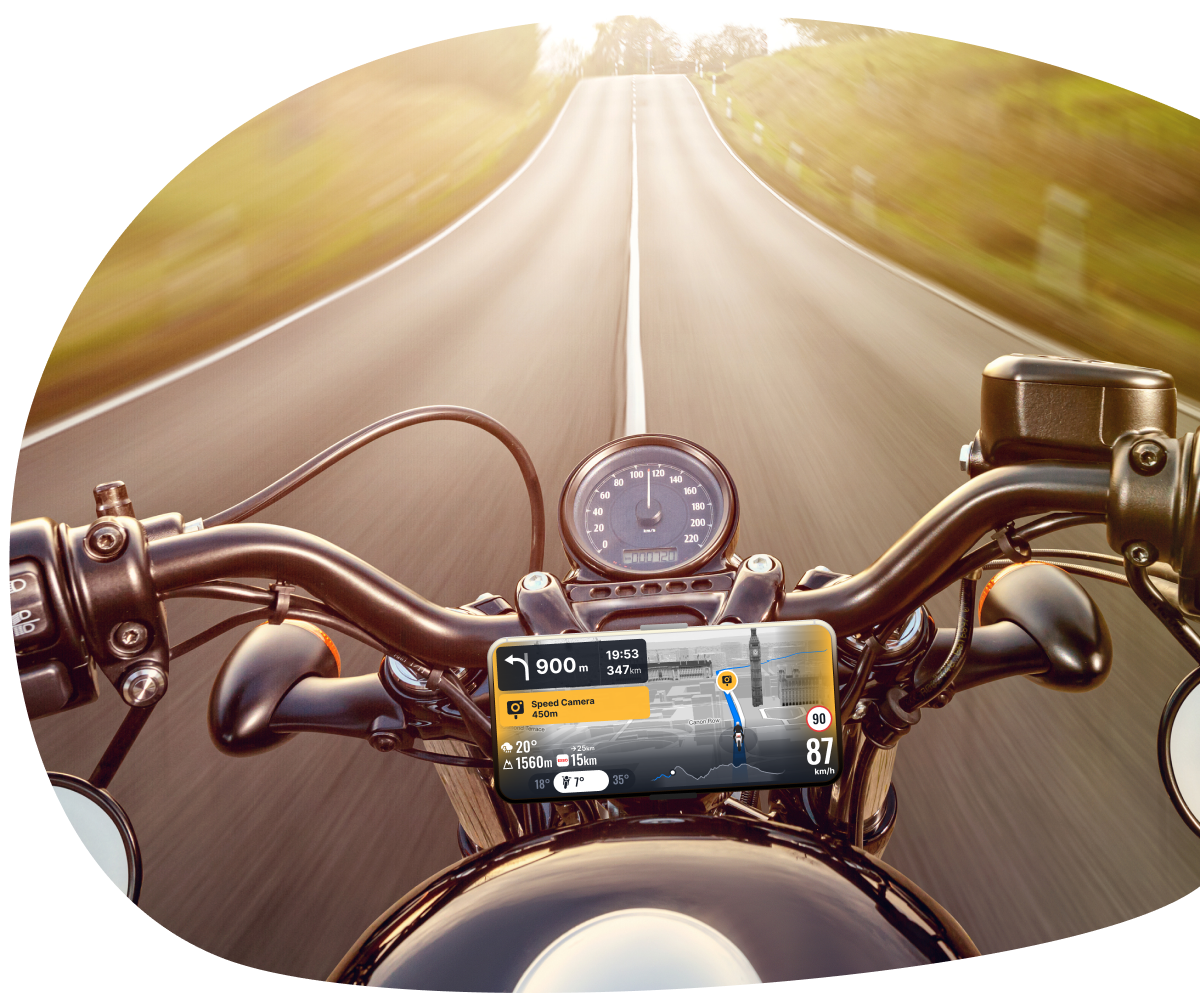
Motorbike Mode is a navigation setting in the Sygic GPS Navigation app designed specifically for motorcycle riders. It provides a simplified interface and tailored routing features to enhance the experience of navigating on two wheels. The best part is that you pay only once, and the feature is kept forever.
TOP Features of Motorbike Mode
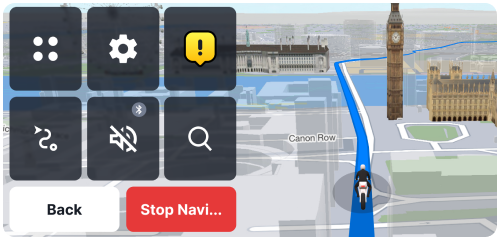
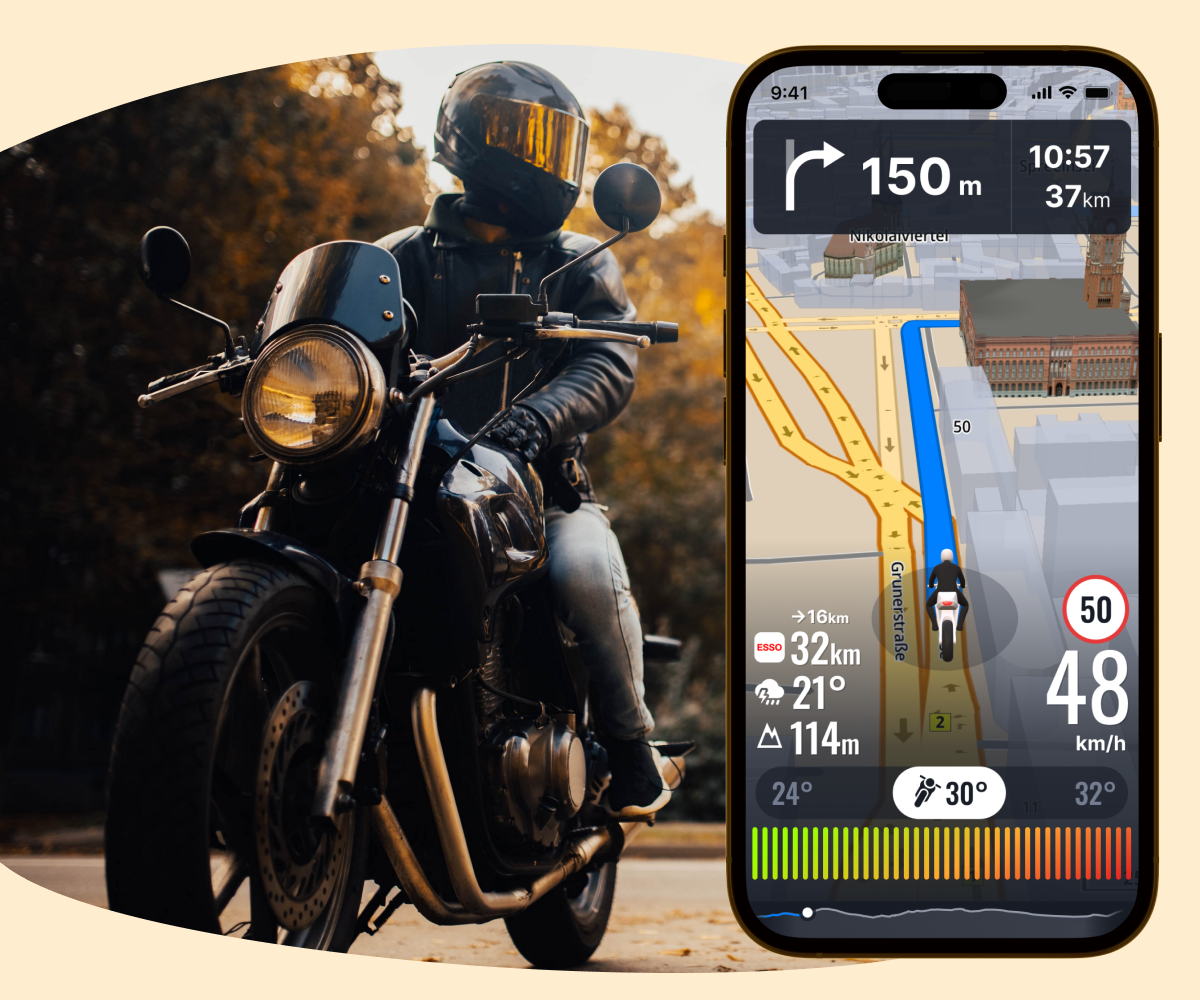
A clean, streamlined layout with larger buttons and simplified views — perfect for gloved hands and quick glances.
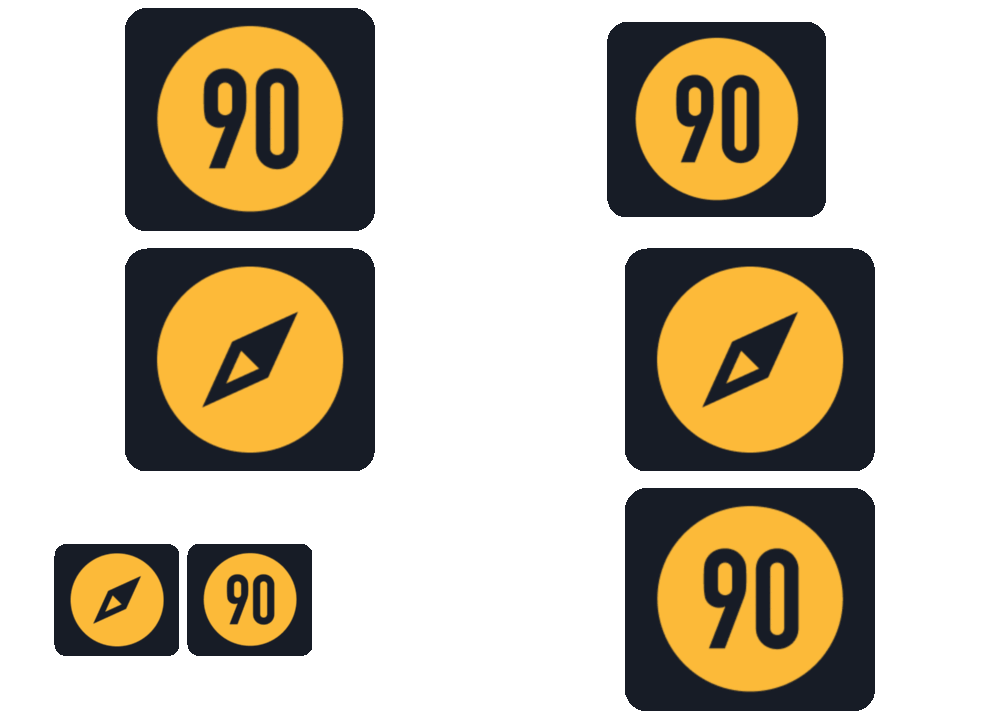
Choose between a digital compass or a current speed display on-screen to match your riding style.

Choose routes designed to thrill — no more flat highways, just pure riding joy.

Check current weather and forecasts along your path for safer, smarter trips.
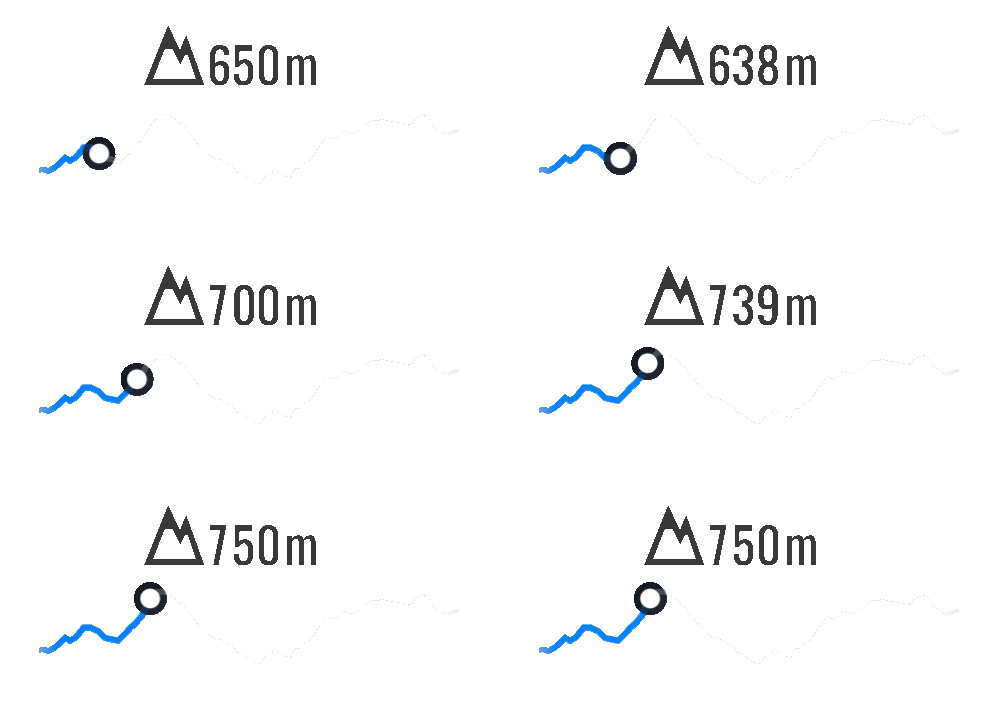
See your altitude in real-time, including a full elevation profile for your planned route.
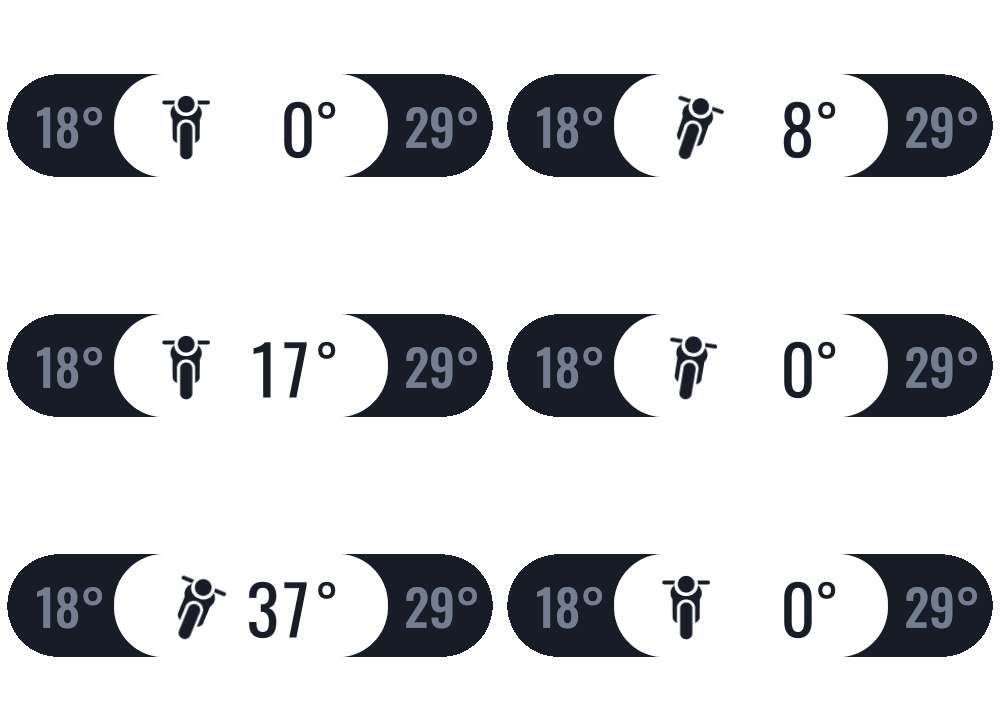
Visualize left/right lean angles during your ride for even more control and awareness.
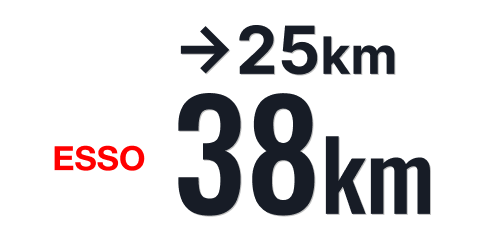
View nearby gas stations directly along your journey — never worry about running low.
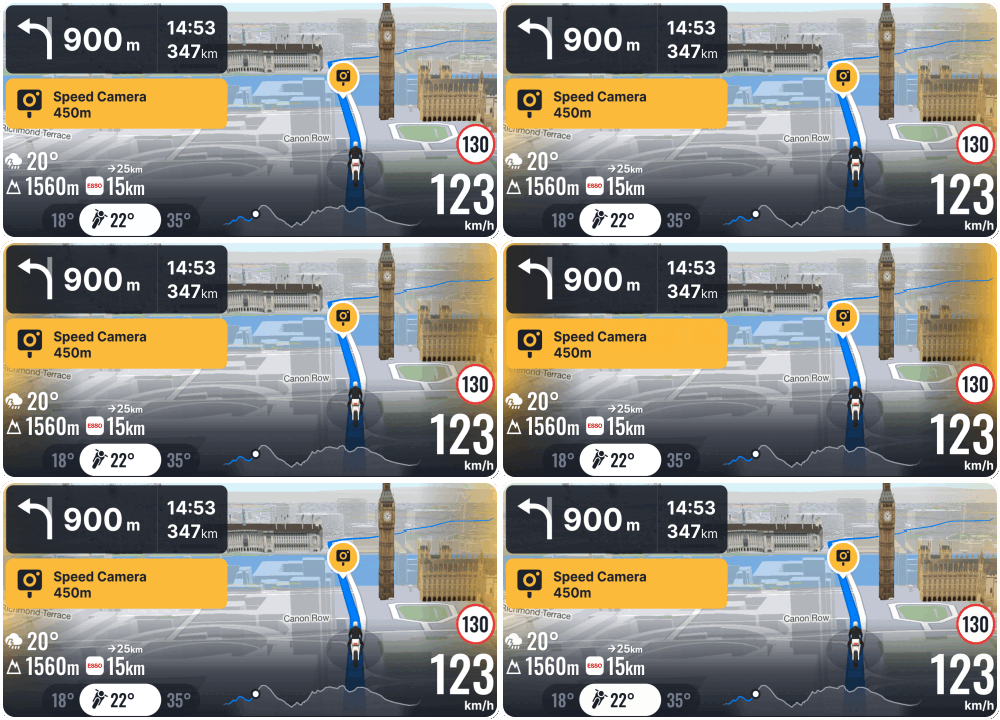
Get visual alerts with bright, special pulsing edges — attention-grabbing but not distracting.
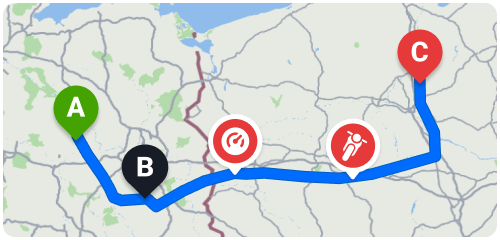
Track your max speed, max elevation, and max lean angle per route — perfect for reviewing your adventures.
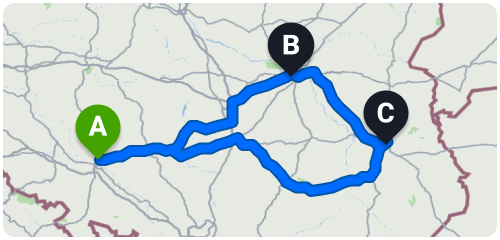
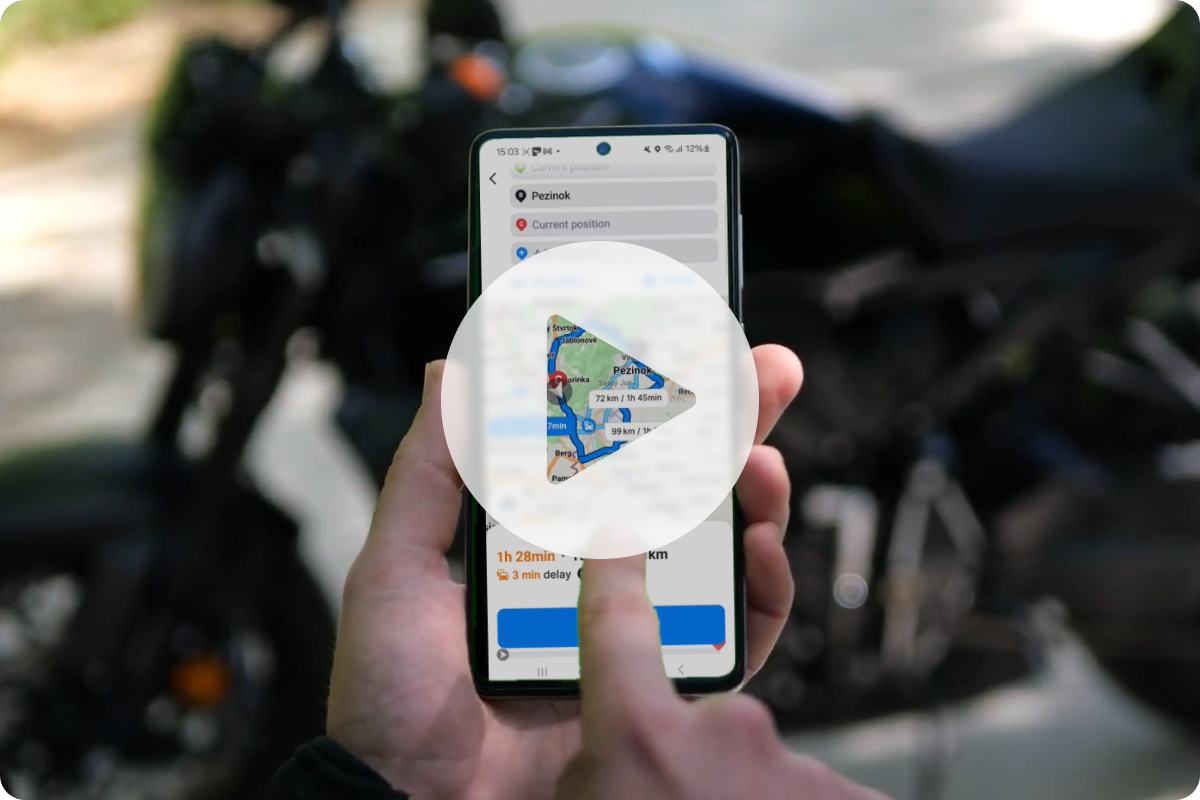
Easily set round trips from Start → Destination → and back to Start with one tap.
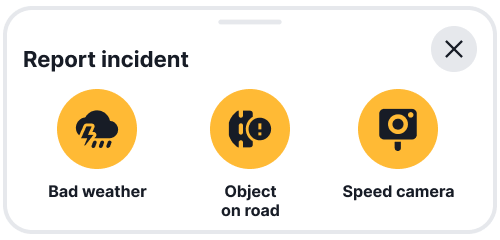
Log new incident types like bad weather or objects on the road.
* Requires PREMIUM+. For more information, click HERE.